
Government bodies have a duty to make information available and accessible to their citizens. Whether it is details of how councils made major decisions affecting the area or simply when residents’ refuse will be collected, being able to access a governing body’s digital platforms is quick and convenient. It also displays transparency on behalf of the organisation.
Indeed, 71.9% of people in the EU aged 16-74 used public authorities’ websites or apps during 2025, up by nearly 2% on the previous year. Use cases ranged from obtaining information about services and benefits to receiving official documentation and accessing public databases. However, there was a significant discrepancy between Denmark, where 98% of respondents used e-government services and Romania, where less than a quarter (24.1%) used public organisations’ digital portals.
It is not enough, though, to simply host such channels. You must also make sure that they are accessible to all citizens. To truly be open and accountable to your constituents, digital government accessibility should be at the forefront of your strategy. Government website homepages were found to carry an average of 42.4 errors each in research by WebAIM, showing that there is still work to be done.
This article explores the regulatory framework surrounding accessibility and how to make your digital government channels more welcoming to all citizens.
Key takeaways
- Digital government accessibility matters because most EU residents now use public websites and apps, but usage gaps between countries show that many people still get left behind.
- Treat accessibility as a core part of good digital government services because it improves transparency, strengthens trust and makes essential services usable for everyone.
- Follow the EU framework and national rules by meeting common standards and providing feedback routes so citizens can report problems.
- Improve outcomes by embedding accessibility into transformation work, setting KPIs, funding fixes, assigning named owners and auditing services regularly.
- Fix the basics at scale by training teams, simplifying journeys, improving navigation, addressing legacy issues and balancing security with usability so people can complete tasks with fewer barriers.
The role of governments in digital accessibility
Because it is the job of government to serve the people under its jurisdiction in a fair and equitable manner, it is essential that public bodies make their digital communications accessible to all.
This means creating websites, apps, documents and digital services in a manner that ensures they can be used by people with disabilities, older residents, citizens with economic challenges and people with limited digital skills.
Digital accessibility to government services involves using designs and infrastructure that revolves around real user needs and ensuring that suppliers and partners also meet these expectations. As a result, you reduce exclusion and strengthen trust in your organisation.
The regulatory framework governments must follow
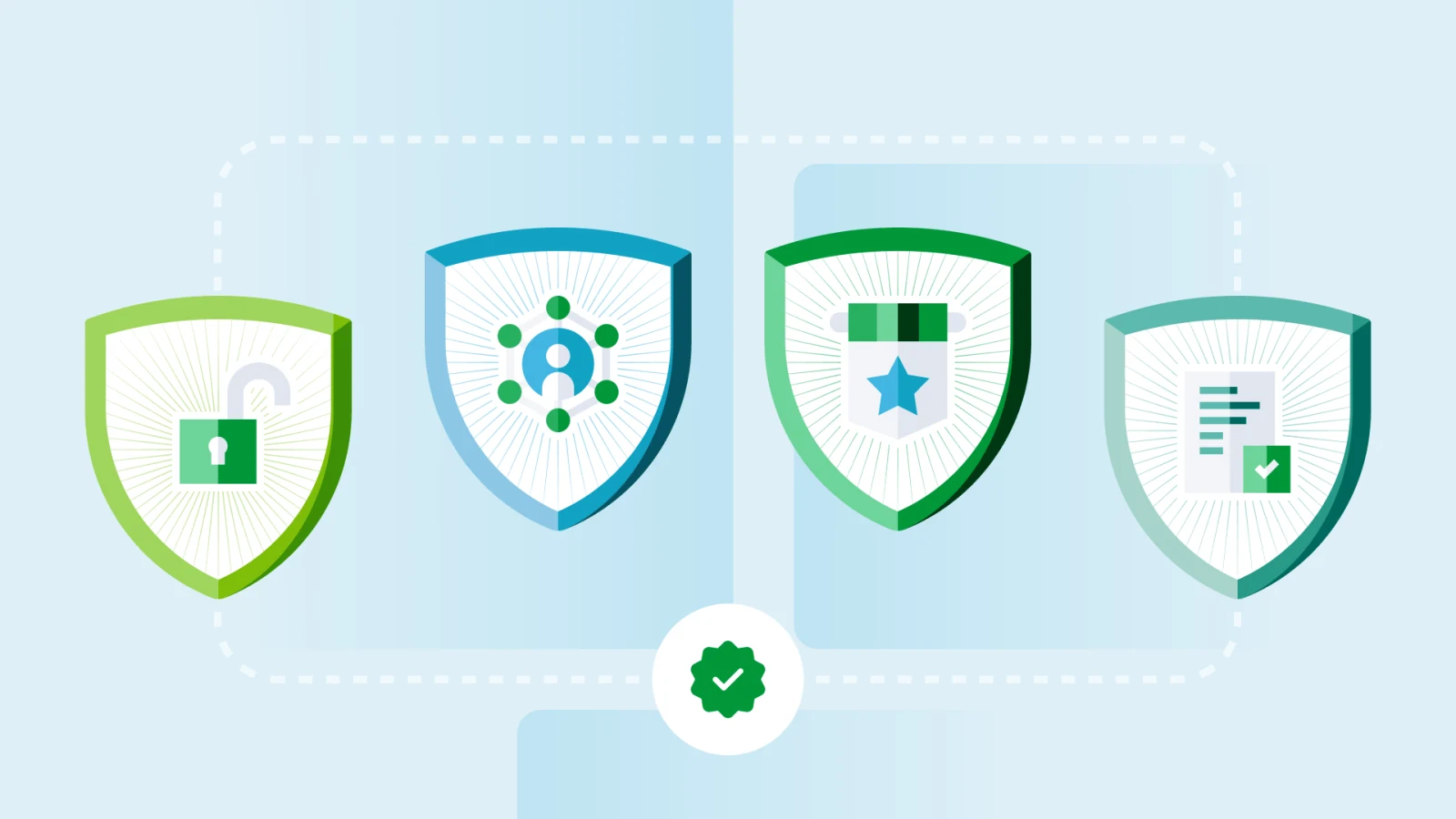
Here are some of the EU-wide frameworks which dictate how government bodies must present digital content to ensure accessibility.
| Framework | Who it covers | What it requires in practice | Public sector reporting duties |
|---|---|---|---|
| Web Accessibility Directive (EU Directive 2016/2102) | Public sector websites and mobile apps | Make sites and apps accessible according to a common standard and provide a way for users to report problems. | Publish an accessibility statement and run a feedback mechanism. Member states must also monitor compliance and report results to the Commission using the EU methodology. |
| European Accessibility Act (EU Directive 2019/882) | Mainly products and services in the internal market (not just public bodies), but it matters to government when it procures or provides in-scope services | Sets accessibility requirements for specific products and services so people with disabilities can use them and so requirements are consistent across the EU. | All in-scope organisations, including government bodies, must be able to show compliance and respond to market surveillance checks. |
| WCAG (Web Content Accessibility Guidelines) | Any organisation publishing web content, but used widely across public sector rules | A standard for accessible online content built around four principles: online content must be perceivable, operable, understandable, robust. | WCAG is the reference point many laws use for audits and conformance claims. |
| Standard EN 301 549 | Public sector ICT and digital services, as well as public procurement | The technical standard that spells out accessibility requirements for ICT, including web, mobile and apps, as well as non-web documents. It also incorporates success criteria cited in WCAG. | Public bodies often reference EN 301 549 in their accessibility statements and testing because it is the practical benchmark for compliance. |
Many individual EU member states also have their own accessibility guidelines and legislation. Here are some examples:
| Country | What it requires in practice | What it covers | Public sector reporting duties |
|---|---|---|---|
| Netherlands | Dutch public bodies must meet digital accessibility requirements under the Wet digitale overheid and related rules, commonly implemented via EN 301 549 and WCAG. | Government bodies’ websites and apps | Publish an accessibility statement and keep it current (often managed through the national digitoegankelijk approach). |
| France | Public bodies follow the national framework and Référentiel Général d’Accessibilité pour les Administrations (RGAA) methodology to meet accessibility obligations and demonstrate compliance. | Public sector websites and many other in-scope bodies | Publish required public documents about accessibility compliance and maintain a structured plan over time (the framework expects ongoing reporting, not one-off claims). |
| Germany | Public bodies apply the Behindertengleichstellungsgesetz (BGG) and Barrierefreie-Informationstechnik-Verordnung (BITV 2.0) framework to implement the EU Web Accessibility Directive for their services. | Federal public sector bodies’ websites and apps (with wider coverage at state level) | Publish an accessibility statement and provide a route for feedback and complaints. |
Failing to comply with many of these pieces of legislation can lead to financial penalties. For example, French public sector organisations can receive fines of up to €50,000 for failing to meet their obligations regarding digital accessibility.
Furthermore, the reputational damage of failing to serve your citizens cannot be underestimated. At a time when trust and transparency are so highly valued, government bodies cannot be seen to be restricting access to important information to various groups.
How to improve digital government accessibility
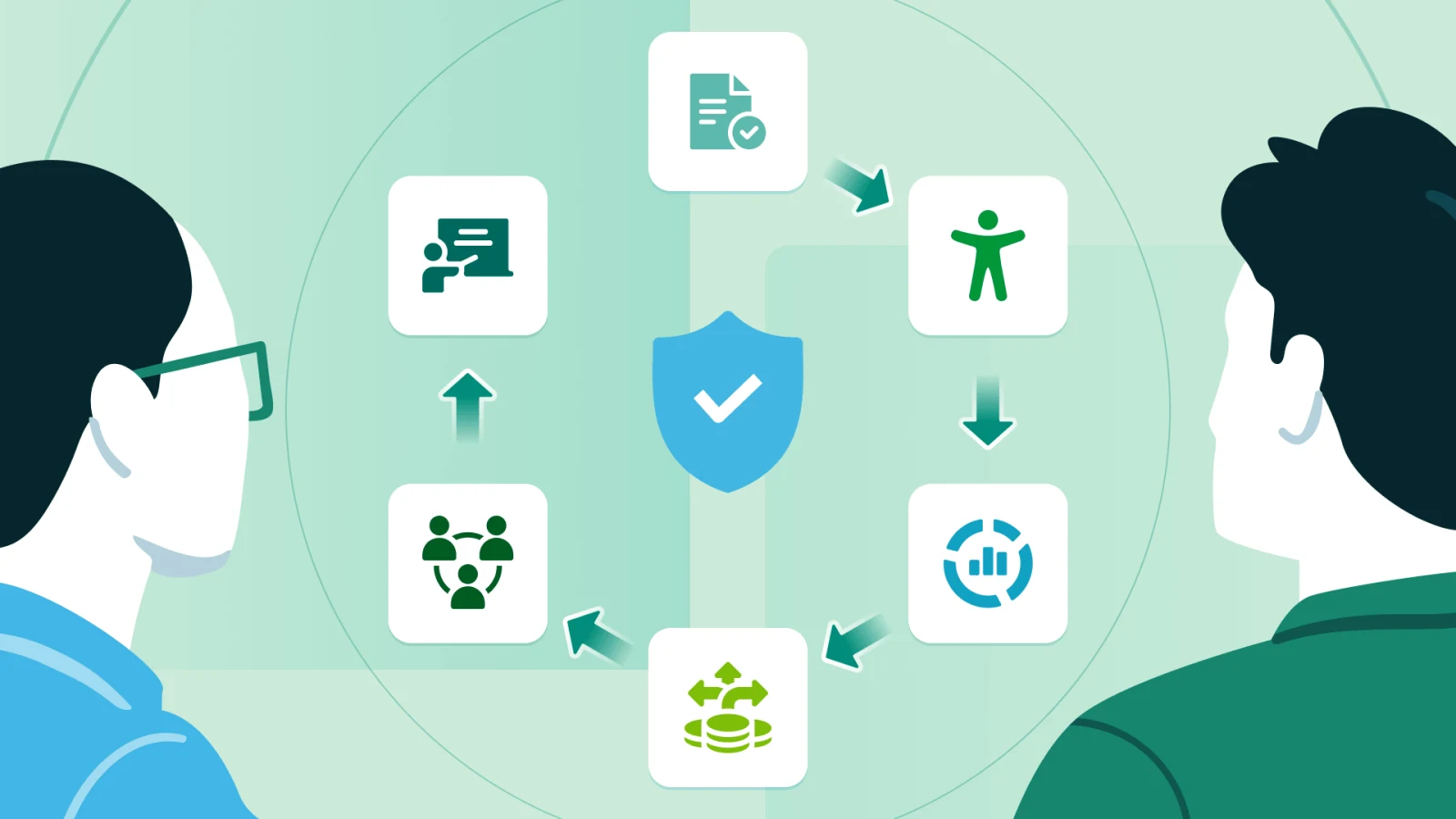
Create a government-wide accessibility policy
Write a single policy that is short and practical and applies to every team and supplier involved in your digital output. Define your minimum standards for your public portal, websites, apps, PDFs, forms, video and social posts, according to your obligations and best practice accessibility standards.
You should also include rules for plain language, captions on videos, keyboard access and creating accessible documents. Add a step into your approval workflow specifically based around checks for accessibility.
Publish the policy internally and externally so teams and residents know what to expect and how you are working on accessibility.
Align accessibility with digital transformation goals
Build accessibility into your transformation programme so it positively affects the outcomes of your services, as well as helping you remain compliant. Even if a person does not have any additional accessibility needs, the use of plain language and a better designed user experience (UX) will prevent them from giving up halfway through using your services.
Add accessibility requirements to your discovery, design, build and procurement stages, and treat them as essential criteria alongside security and privacy. When you redesign services, prioritise common online use cases, like benefits, housing, permits and complaints, and remove steps that create friction for people with low digital skills. Make inclusive design part of your definition of “digital by default”.
Define accessibility KPIs for public services
Pick a small set of KPIs that show whether your services work for everyone, then review them monthly.
Track compliance measures and user outcomes such as:
- Percentage of pages meeting the chosen standard
- Number of critical issues open, and time to fix
- Task completion
- Citizen engagement on digital platforms
- Drop-off rates
- Support contact rates.
Break these results down by service so you can find the weak points quickly and address them accordingly. Add a target for closing accessibility issues within a set timeframe.
Secure budget allocation
Accessibility should be a recurring operational cost if you want to keep up-to-date with best practice. Ring-fence your budget for accessibility audits, fixes, document remediation, captioning and assistive testing tools. Include this in every digital project business case.
Build a strategy to make the most of your available resources. Fund the quick wins first (high-traffic pages, critical forms), then plan larger system changes for the coming months.
Require suppliers price delivering accessible digital services into the initial project delivery, rather than retrofitting it later.
Establish accountability
Make accountability clear at three levels:
- Governance
- Service owners
- Delivery teams.
Assign one council member or executive to oversee the outcomes of your accessibility strategy across the organisation, then assign each service owner responsibility for their service’s accessibility statement, audit results and remediation plan.
Use a simple RACI so teams know who approves the release of digital products and who signs off any exceptions. Report your progress publicly to build trust and create accountability to deliver results.
Train government teams on accessibility
Train the people who create and publish content, not only your developers. Give role-based training for product owners, designers, developers, content teams, comms and procurement. This could include practical exercises like fixing a PDF, writing alt text and testing a form with different types of keyboard or device.
Create short checklists teams can use before publishing and appoint “accessibility champions” in each department. Refresh your training programme annually and add it to the onboarding process so you maintain these skills within the organisation.
Address accessibility challenges in government systems
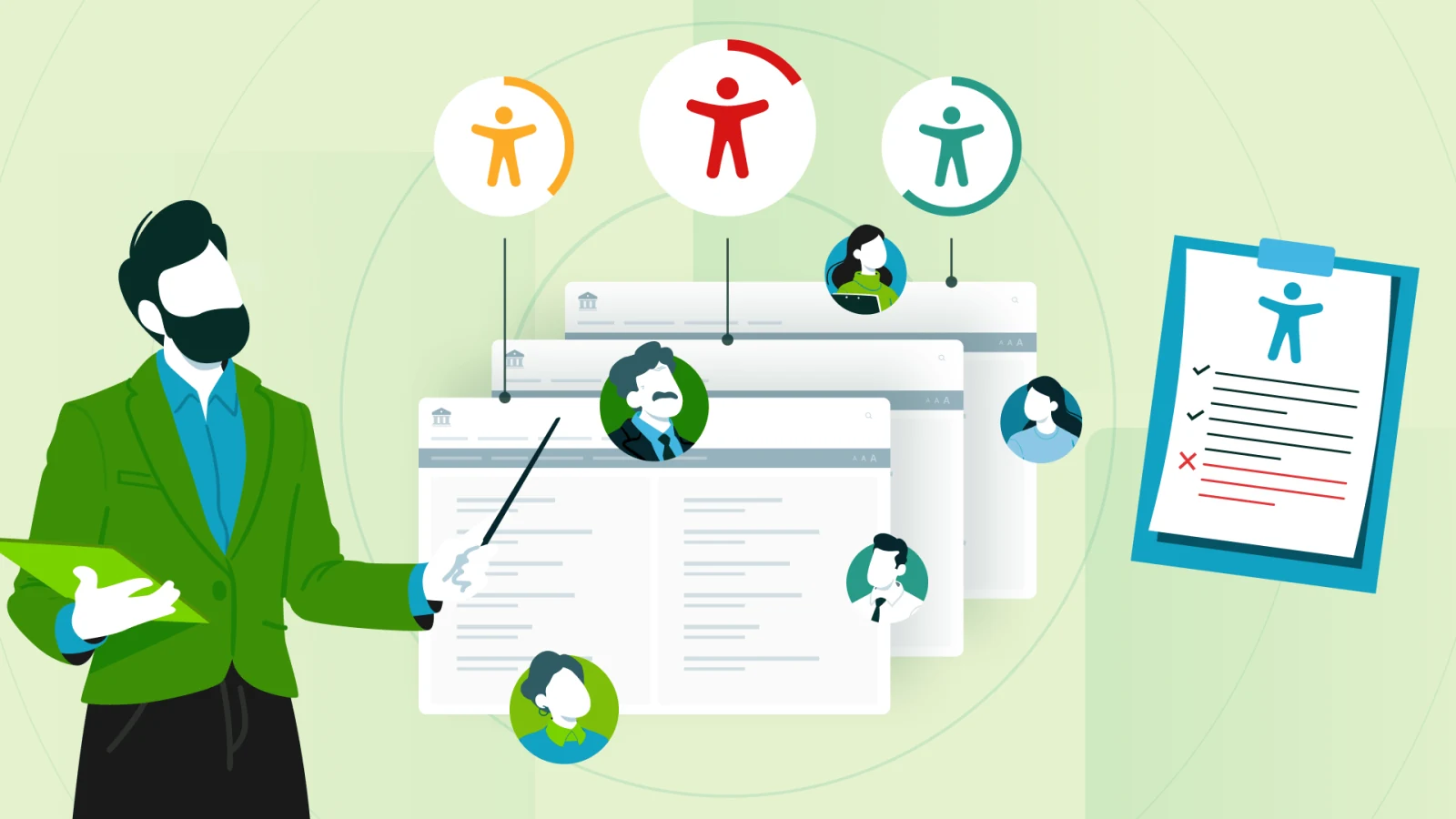
- Manage legacy and outdated infrastructure
Map your high-risk services first for poor accessibility. Put temporary fixes in place (such as accessible PDFs or directing to alternative channels), then create a phased upgrade plan with deadlines and owners to add accountability into the process. - Integrate accessibility into existing platforms
Add accessibility checks before you approve materials for release, update templates and components to ensure you have accessibility by default and prioritise the most common user journeys before working on lower traffic routes. - Manage poor navigation and complex interfaces
Simplify the information structure on your local government websites and apps. Reduce the steps needed to carry out actions, use clear labels and test common tasks with real users typing on keyboards and screen readers. - Overcome internal resource limitations
Train your content and service teams to handle basic fixes. Create a prioritised list of accessibility issues and improvements and work through them accordingly in-house. Bring in specialist support for complex work that you do not have the expertise to complete. - Coordinate accessibility across departments
Set one standard for accessibility that all departments should follow, then assign service owners to deliver fixes with central support and oversight. - Balance security and accessibility requirements
Use secure options that don’t affect usability (for example MFA that supports accessibility, accessible CAPTCHAs or alternatives) and test your security controls with assistive technology before rolling them out.
FAQ
What is the difference between accessibility, inclusion and usability?
Accessibility ensures people with disabilities can use a service, inclusion ensures everyone can participate and benefit, regardless of background or circumstance, and usability ensures the service is easy and efficient to use for all users.
What are the most common accessibility issues in public services?
Unlabelled form fields, poor keyboard navigation, low colour contrast, missing alt text and captions, inaccessible PDFs and complex language or a confusing page structure are the most common problems.
What accessibility technologies should governments leverage?
There are a host of ways in which government bodies can help improve accessibility through technology. These include:
- Screen reader compatibility
- Voice navigation and speech recognition
- AI-powered accessibility tools, such as virtual assistants that can answer users’ questions about images
- Accessibility monitoring platforms
Which citizen groups should governments consider when improving digital accessibility?
There are many groups who might need additional accessibility assistance when accessing the digital offerings of public sector organisations. They include:
- Citizens with visual impairments
- Citizens with hearing disabilities
- Citizens with cognitive disabilities
- Citizens with motor impairments
- Neurodiverse citizens
- Elderly citizens.
Conclusion
Digital government accessibility is essential for ensuring all citizens can participate fully in the democratic process. Where people cannot access information from your public sector organisation, there becomes a transparency and accountability issue that you must work to fix. By building an accessibility strategy according to the regulatory framework in place across Europe, you can ensure your citizens are able to understand their rights and see the workings of government.
Cater to citizens’ needs with iBabs Publish
iBabs Publish makes government information available on your public portal in a manner that is compliant with regulatory accessibility frameworks. It builds openness by allowing all citizens to understand what you decided, why and how you will turn that decision into an action.

